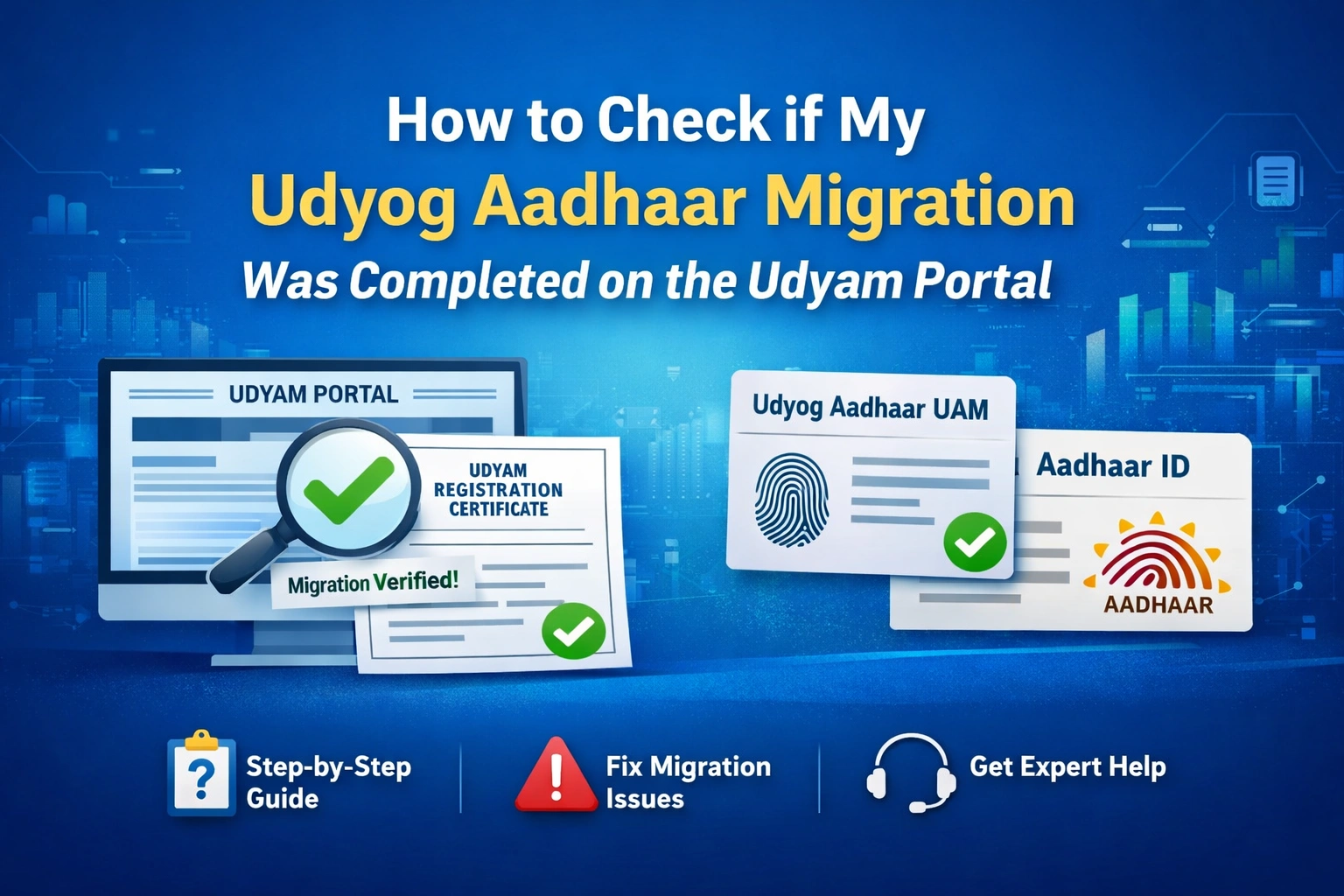
After the Government of India replaced Udyog Aadhaar (UAM) with Udyam Registration, many MSME owners were required to migrate their existing registrations to the new Udyam portal.
If you already applied for migration, a common question arises:
“How do I check if my Udyog Aadhaar migration was completed on the Udyam portal?”
In this detailed guide, we’ll explain exact verification steps, what a successful migration looks like, how to identify failed migrations, and how to get professional help if you’re stuck.
Why Udyog Aadhaar Migration Verification Is Important
Verifying your migration status ensures that:
Your MSME is officially active under the Udyam framework
You remain eligible for government subsidies, loans, and schemes
Your business details are correctly mapped with Aadhaar & PAN
You receive a lifetime-valid Udyam Registration Certificate
Without successful migration, your old UAM may become invalid.
How to Check If Your Udyog Aadhaar Migration Was Completed
To check the status of your Udyog Aadhaar migration, you must use the official Udyam Registration portal.
Step-by-Step Verification Process
Step 1: Visit the Official Udyam Portal
Step 2: Choose the Verification Option
On the homepage, select either:
“Print / Verification”, or
“View Udyam Registration Details”
Step 3: Enter Required Details
You will be asked to enter:
Your 12-digit Udyog Aadhaar Number (UAM) or Udyam Registration Number (URN)
The registered mobile number
Step 4: OTP Verification
Click Validate
Enter the OTP sent to your registered mobile number
Step 5: Check the Result
After OTP validation, your registration details will be displayed on the screen.
What a Successful Udyog Aadhaar Migration Looks Like
Your migration is successfully completed if:
Your Udyam Registration Certificate appears
A new URN (Udyam Registration Number) is generated
Business details (name, activity, address) are visible
Status shows active MSME
Certificate has lifetime validity (no renewal required)
✅ This confirms your Udyog Aadhaar has been properly migrated to Udyam.
Signs That Migration Was Not Successful
You may face a failed or incomplete migration if:
No records are found for your UAM number
The system asks you to re-register
Details do not match Aadhaar or PAN
OTP not received on registered mobile number
In such cases, use the option:
👉 “For those having registration as UAM”
to retry the migration process.
Additional Ways to Cross-Check Migration Status
You can also:
Use third-party verification tools like authbridge.com for Aadhaar/Udyam checks
However, always rely on the official Udyam portal for final confirmation
What to Do If You Face Issues
If your migration is stuck or failing repeatedly, you can:
Call the MSME Helpline: 📞 1800-180-8767
Raise a grievance on the Udyam portal
Seek expert assistance for error resolution
Need Help in Verification or Migration? We Can Help
If you are:
Unable to verify your Udyog Aadhaar migration
Facing Aadhaar/PAN mismatch issues
Not receiving OTP
Confused about re-migration steps
👉 Contact us at:
🔗 https://udyamregistrationform.com/
Our team provides end-to-end assistance for:
Udyog Aadhaar migration to Udyam
Status verification
Error correction
Fresh Udyam registration
✔ Fast
✔ Reliable
✔ Hassle-free support
Conclusion
Checking whether your Udyog Aadhaar migration was completed on the Udyam portal is simple if you follow the correct steps. A successful migration ensures your MSME remains compliant, active, and eligible for government benefits.
If you face any difficulty, professional support can save you time and prevent costly errors.
📌 Don’t delay—verify your Udyam status today.