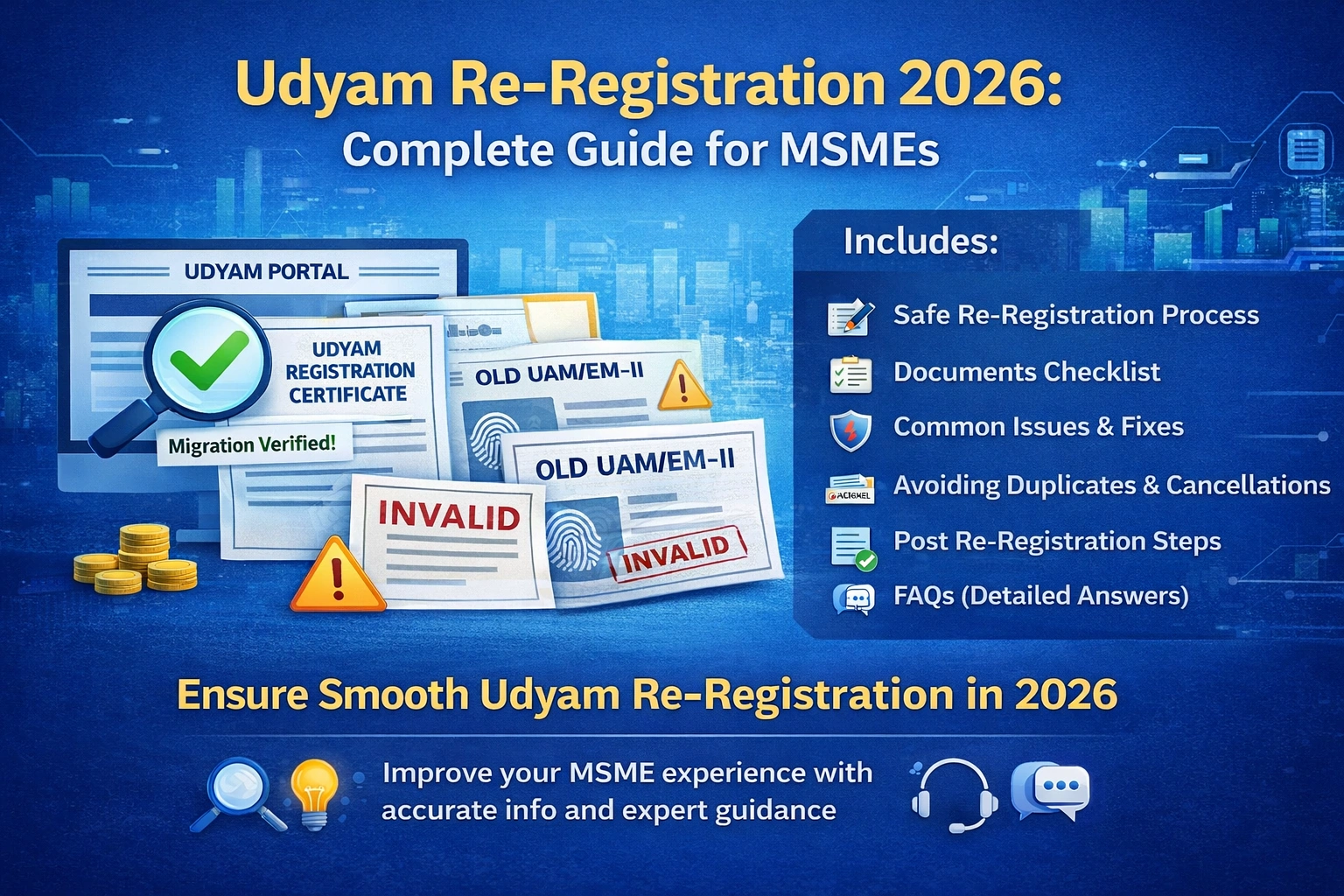
Udyam re-registration 2026 is for any businesses in India whose older MSME registration or udyog aadhar (UAM/EM-II) or inactive/invalid Udyam portal online status prevents them from using the certificate for loans, tenders, or MSME benefits. Many confuse re-registration with simple updates—this guide helps you choose the right action and avoid duplicates or benefit issues.
If your Udyam status shows inactive, your certificate is not found, or you’re still on an older registration system, this guide explains the scenarios, safe process, and steps for 2026.
1. What Udyam Re-Registration Means
Re-registration usually means:
Migrating from older MSME systems Udyog Aadhar (UAM/EM-II) to Udyam
Fresh registration if the old record is invalid or inaccessible
Re-doing registration after severe mismatches or duplicates
⚠ Important: Udyam allows only one registration per enterprise. Careless re-registration can create duplicates and problems later.
2. When Re-Registration Is Required (High-Certainty Cases)
You may need re-registration if:
A) You still have UAM/EM-II and never migrated
Old certificates need migration to access MSME benefits in 2026.
B) Your Udyam certificate is “Not Found”
URN or Aadhaar/PAN retrieval fails
Indicates incomplete or improperly generated registration
C) Certificate is inactive/invalid and corrections are blocked
Portal may block updates due to identity mismatch, duplicates, or restricted fields
D) Duplicate registrations exist
Accidental duplicates require grievance + cleanup before re-registration
E) Major business structure changes
Proprietorship → Company
Partnership → LLP
New legal entity often requires a new registration
Tip: Verify carefully before re-registering to avoid mistakes.
3. When You Only Need Update/Correction
Re-registration is not needed for:
Wrong NIC code
Wrong address or bank details
Mobile/email change
Turnover/investment updates
“Update Required” status
✅ Use Udyam Update/Correction flow instead. Fresh registration here can create duplicates.
4. UAM/EM-II to Udyam Migration
If you have an older MSME certificate and want:
MSME loans
Subsidies
Tender participation
Delayed payment protection
…you need Udyam migration because it is the recognized standard in 2026.
5. Step-by-Step Safe Re-Registration Process
Step 1: Confirm your action
Decide: Update only or full re-registration/migration
Step 2: Map identity correctly
Proprietorship → owner Aadhaar
Partnership → managing partner Aadhaar
LLP/Company → authorized partner/director Aadhaar
HUF → karta Aadhaar
Step 3: Register on official Udyam portal
Enter Aadhaar → OTP verification → PAN → enterprise details → bank details → submit → URN & certificate
Step 4: Verify NIC codes and business activity
Wrong NIC codes are the top reason for corrections later
Step 5: Check status after submission
Ensure certificate is Active, download PDF, verify QR code
6. Checklist Before Starting
Aadhaar & PAN of authorized person
Active mobile number & email
Bank account number + IFSC
Business name, address, PIN
Date of commencement
Main activity (manufacturing/service/trading)
Relevant NIC code(s)
GST details (if applicable)
7. Common Problems and Quick Fixes
OTP not received → check mobile, try non-peak hours, disable DND
PAN/Aadhaar mismatch → use exact details
GST mismatch → align legal name
Duplicate enterprise → verify before creating new URN
8. Avoid Cancellation, Rejection, or Duplicates
Don’t re-register if update is possible
Use correct Aadhaar per entity type
Keep NIC codes accurate
Verify bank details
Avoid multiple submissions
Immediately verify status after generation
9. Post-Re-Registration Steps
Check Active status
Download PDF certificate
Verify enterprise name, PAN, address, NIC codes
Save certificate (drive + email)
Use URN/certificate for loans, tenders, and benefits
10. How Eudyamaadhar Can Help
If you face:
Inactive/invalid Udyam
Certificate not found
Old UAM migration issues
Duplicate records
PAN/GST mismatches
…Eudyamaadhar provides safe, expert resolution to save time and prevent errors.
🌐 https://eudyamaadhar.org
📞 WhatsApp/Call: +91 9241250551
11. FAQs – Udyam Re-Registration 2026
Q1. Is re-registration the same as renewal?
No, renewal doesn’t exist. Most cases are update/correction or migration.
Q2. Does Udyam registration expire?
No, but inactive/invalid status or blocked updates make it practically unusable.
Q3. When is re-registration mandatory?
Still on UAM/EM-II
Certificate not retrievable
Inactive/invalid status
Duplicates or severe mismatches
Q4. Can I create a new Udyam if the old one is active?
No, it can cause duplicates and benefit issues.
Q5. My status is “Update Required.” Do I need re-registration?
Usually no. Use the update/correction flow.
Q6. Business changed from proprietorship to company. Should I re-register?
Yes, usually, because a new legal entity may require separate registration.
Q7. What if my Aadhaar/PAN is misused?
Use grievance procedure before creating a new registration.
Q8. How long does re-registration take?
Simple cases are quick; duplicates/mismatches take longer.
Q9. How to confirm validity after re-registration?
Check Active status, download PDF, verify QR code.
Q10. Will category (micro/small/medium) change?
Yes, based on turnover/investment.
Q11. Can multiple branches be registered?
Udyam is per enterprise; branches can be included under the main registration.
Q12. Should I take professional help?
Yes, for loans, tenders, duplicates, or identity mismatch—trial-and-error can cause problems.